

Loading...
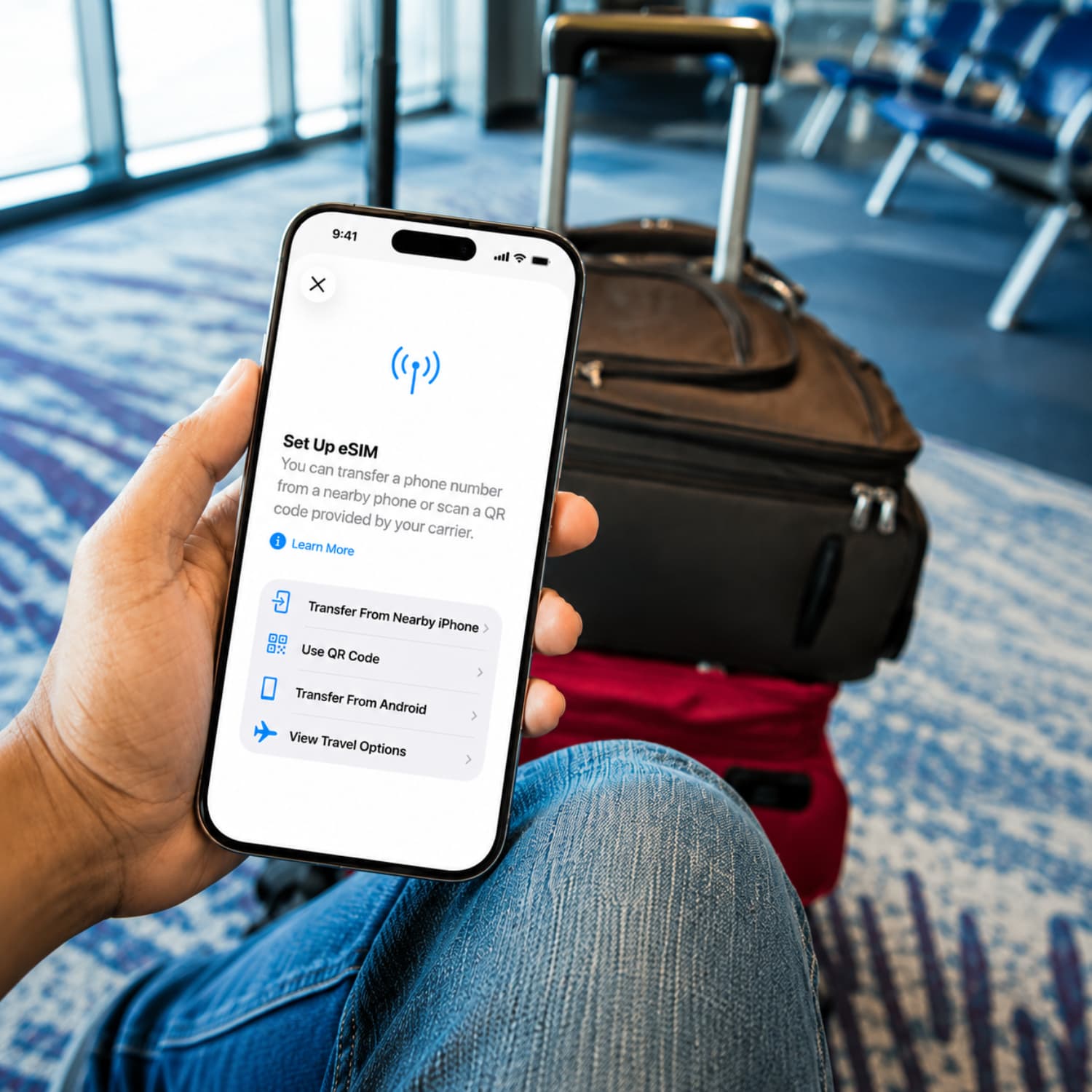
If you have ever wondered what an eSIM is or how it is different from the SIM card you already know, you are not alone. This article explains what an eSIM is, how it compares to a regular SIM, and why many people are making the switch.

Written by Kimara Greyling

Reviewed by Kimara Greyling

Updated August 26, 2026
An eSIM is a digital SIM card embedded directly into your device, so you do not need to insert or remove a physical card. Instead of swapping SIM cards, you store one or more carrier profiles on your device electronically. Activating an eSIM usually involves scanning a QR code, using an app, or following a link from your carrier. This lets you set up a mobile plan without handling tiny cards. eSIMs can hold multiple profiles at once, which means you can keep your home number active while adding a travel data plan for your trip.
| eSIM | SIM card | |
|---|---|---|
| Device compatibility | Works only on devices that support eSIM. | Compatible with most phones and devices. |
| Physical form | No physical card, built into your device. | A removable plastic card. |
| How it's installed | Added digitally through QR code, app, or carrier link. | Inserted manually into a SIM tray. |
| Switching carriers | Can often switch remotely, no new card needed. | Usually need a new physical card to switch. |
| Number of profiles supported | Can store multiple profiles at the same time. | Typically supports one active profile per card or slot. |
| iPhone | Android | QR Code | |
|---|---|---|---|
| Step 1: Access eSIM Setup | Go to Settings, tap Cellular or Mobile Data, then tap Add eSIM. | Go to Settings, tap Network & Internet, then SIMs, and tap Add eSIM. Steps can vary by device. | Get the QR code from your eSIM provider. |
| Step 2: Enter Activation Details | Enter the activation details when prompted. | Enter the activation details when prompted. | Scan the QR code with your phone's camera or eSIM settings. |
| Step 3: Confirm Activation | Confirm and label the new eSIM plan so it is ready to use. | Confirm and label the new eSIM plan so it is ready to use. | Confirm activation after scanning, for example with beachSIM. |
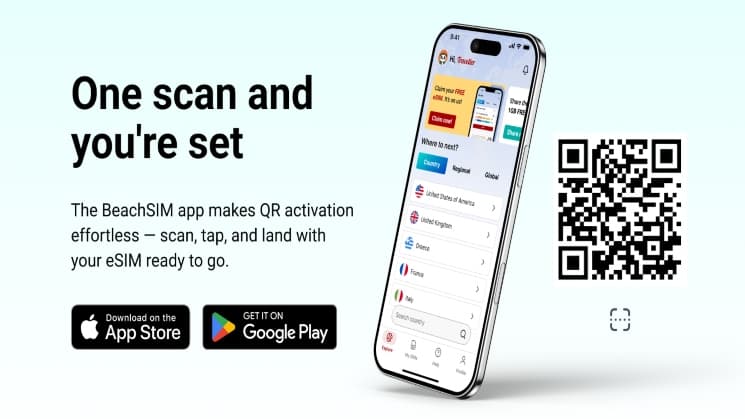
Dual SIM Standby is a feature that allows most modern phones to keep both a home number and a travel eSIM active at the same time, so you can receive calls, texts, and data on both. If your device does not support Dual SIM Standby, your travel eSIM becomes the main line, and your home number will not receive calls or texts until you switch back. Many travelers use apps like WhatsApp, Telegram, or iMessage to keep in touch, since these work over the eSIM's data connection even if your home number is not active for calls or texts. It is a good idea to check whether your phone supports Dual SIM Standby before you leave, so you know what to expect.
If you want more information, you can check out our eSIM Pros & Cons article.
About the author

France might seem like endless wine, Eiffel Tower selfies, and lazy afternoons in sunlit cafes, but it is a place that flips the script on every expectation. You'll sprint through metro tunnels in Paris, slow your pace for a village market, and find yourself debating cheese with a stranger on a train.

Thailand is famous for its stunning beaches, vibrant street food, tropical islands, and unforgettable experiences. But if you want to enjoy all this without blowing your budget, a little planning goes a long way. Before you book your flight, take some time to learn where your money can work hardest: from finding affordable places to stay and tasty local food, to knowing which expenses are worth skipping. A bit of know-how can help you stretch your travel budget further and make your adventure even more rewarding.

Spain might seem all flamenco, fiestas, and endless sunshine, but it is full of surprises beneath the surface. You'll crisscross medieval towns, lively late-night plazas, mountain trails dotted with wildflowers, and tucked-away surf beaches. In this guide, you'll find all the Spain travel tips you need.
